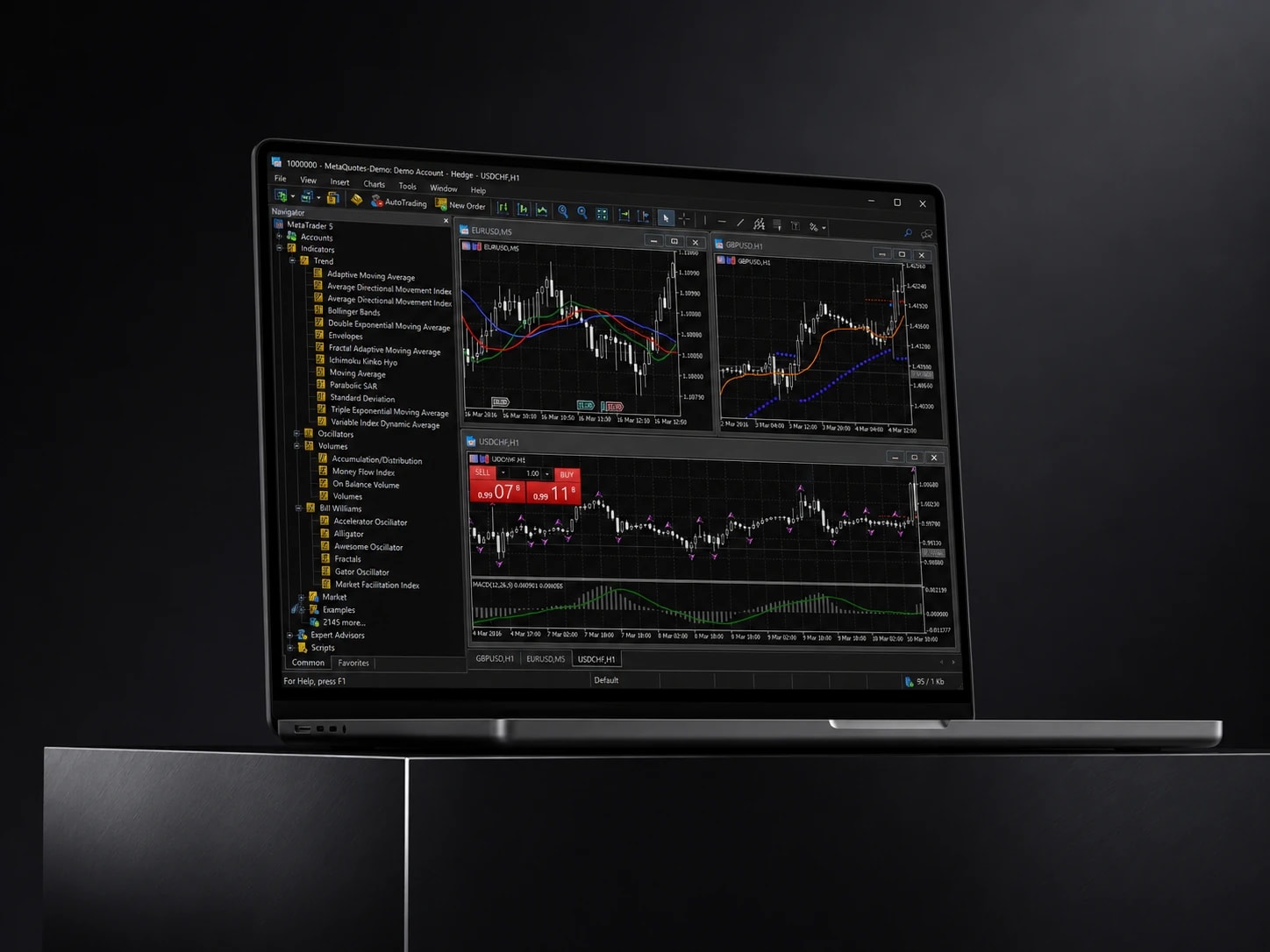
Level II market depth
Full order book visibility, real-time price-level and volume-at-price analysis.
CFDs are complex instruments and come with a high risk of losing money rapidly due to leverage. 76% of retail investor accounts lose money when trading CFDs with this provider. You should consider whether you understand how CFDs work and whether you can afford to take the high risk of losing your money.
Automation
MT5 with IUX runs the full MQL5 ecosystem: automated strategies, custom indicators, and backtesting.
Full order book visibility, real-time price-level and volume-at-price analysis.
MQL5 Expert Advisors, custom indicators, backtesting.
Market, limit, stop, trailing-stop.
Tick-by-tick price updates.
Automatic position closure at predefined levels.
Moving averages, oscillators, volume, custom indicators.
Real-time monitoring, alerts, built-in margin calculator.
MT5 orders are sent for execution against real-time prices, with full market depth visible before you trade. Not simulated or re-quoted on a dealing desk. Commission is set by account type: $0 per lot on Standard and Pro, a fixed $7 per lot on Raw, with Raw spreads from 0.0 pips. Average execution-speed figures are not published per account type.
Trading policy
MT5 on IUX is built to support algorithmic and high-frequency styles of trading, including Expert Advisors that run continuously against live prices. Policy on scalping, hedging and the minimum order distance, the freeze or stop level, is set per account type and is not published on this page. Check the terms for your account before running a strategy that depends on any of them.
Platform comparison
MT5 runs on a newer architecture than MT4, with more built-in timeframes, more native order types, an integrated economic calendar, and support for both netting and hedging position modes in the same terminal. The biggest practical difference for an experienced MT4 user is execution depth: Level II market depth is available on MT5 and not on MT4. The MQL5 language used for MT5 Expert Advisors is not backward-compatible with MQL4, so an existing MT4 EA needs to be ported, not just copied over.
MT5 uses the same login as IUX WebTerminal and the IUX Trade App, with no separate registration. See Accounts for the full list of account types and which trading conditions apply to each before you connect.
One login, every platform
MT5 / WebTerminal / Trade App
Open a position on one, manage it from another. Balance and history stay in sync automatically.
Get started
Available on every major device. Pick yours and log in with your IUX MT5 credentials.
Windows
Desktop terminal
macOS
Desktop terminal
iOS
Mobile app
Android
Mobile app
Browser
WebTerminal
01
Download MT5 for Windows, macOS, iOS, or Android, or open it in your browser.
02
Open your IUX account dashboard to get your server name and login.
03
Your balance, positions, and history sync immediately.
FAQ
Yes. MT5 with IUX supports Expert Advisors written in MQL5, including custom indicators, automated strategies, and the built-in Strategy Tester for backtesting: the same infrastructure professional and algorithmic traders rely on.
An EA needs a machine that stays on, and MT5 can run on a hosted server as well as on your own. IUX does not publish VPS provider, eligibility or cost details on this page. Check your account terms or ask support before relying on a hosted setup.
Download MT5 for your device, open it, and log in using the server name and account number shown in your IUX dashboard under Trading accounts. Your balance, open positions, and trading history sync immediately.
Recommended for you